From Container to Cloud — Build, Automate & Operate Production AI Applications
Building an AI application is only the beginning.
To run an AI application reliably in the real world, you need to package it consistently, automate its delivery, secure its configuration, deploy it to the cloud and continuously monitor its health and performance.
This hands-on specialization teaches you how to transform an AI application into a portable, reproducible and production-ready cloud workload.
You will work through the complete journey:
Application → Docker → CI/CD → Cloud → Deployment → Monitoring → Operations
The focus is on AI application workloads, including frontend applications, APIs, LLM services, workers, databases and supporting services.
What You’ll Learn
🐳 1. Docker & Container Engineering
Learn how to package applications into reliable and portable containers.
- Docker fundamentals
- Dockerfiles
- Multi-stage builds
- Image optimization
- Container networking
- Volumes
- Environment configuration
- Secrets
- Secure container practices
- Container lifecycle management
🏗️ 2. Production AI Application Containerization
Containerize a complete AI application stack.
Work with:
- Angular frontend
- FastAPI backend
- AI/LLM services
- Background workers
- Databases
- Supporting services
- Inter-service communication
Understand how to maintain consistent development, testing and production environments.
🔄 3. CI/CD Engineering
Build an automated software delivery pipeline.
Learn how to automate:
Code → Build → Test → Security Scan → Package → Publish → Deploy → Validate
Cover:
- Automated builds
- Automated testing
- Container image publishing
- Security scanning
- Deployment automation
- Environment-specific configuration
- Post-deployment validation
- Rollbacks
☁️ 4. Cloud Architecture for AI Applications
Understand the cloud components required to run modern AI applications.
Explore AWS and Azure concepts across:
- Compute
- Networking
- Storage
- Databases
- Containers
- Managed cloud services
- Application hosting
- AI workload considerations
The emphasis is on understanding the architecture and choosing the right cloud components, rather than memorizing individual cloud services.
🔐 5. Production Configuration & Secrets
Learn how to safely manage configuration across environments.
Cover:
- Environment variables
- Environment-specific configuration
- Secret management
- API credentials
- Database credentials
- Service dependencies
- Health checks
- Readiness checks
- Configuration validation
📈 6. Scalability & Reliability
Learn how to design AI applications that can handle increasing workloads.
Cover:
- Horizontal scaling
- Load balancing
- Resource management
- Container scaling
- Fault tolerance
- Failure handling
- Rollback strategies
- Recovery strategies
- Service availability
Understand the difference between:
“It runs.”
and
“It can reliably run in production.”
🔍 7. Production Monitoring & Operations
Learn how to know what is happening after deployment.
Monitor:
- Application health
- Logs
- Metrics
- Errors
- Latency
- Resource utilization
- Deployment status
- Service availability
- Alerts
Learn practical approaches to production troubleshooting and operational response.
🤖 8. AI-Assisted DevOps
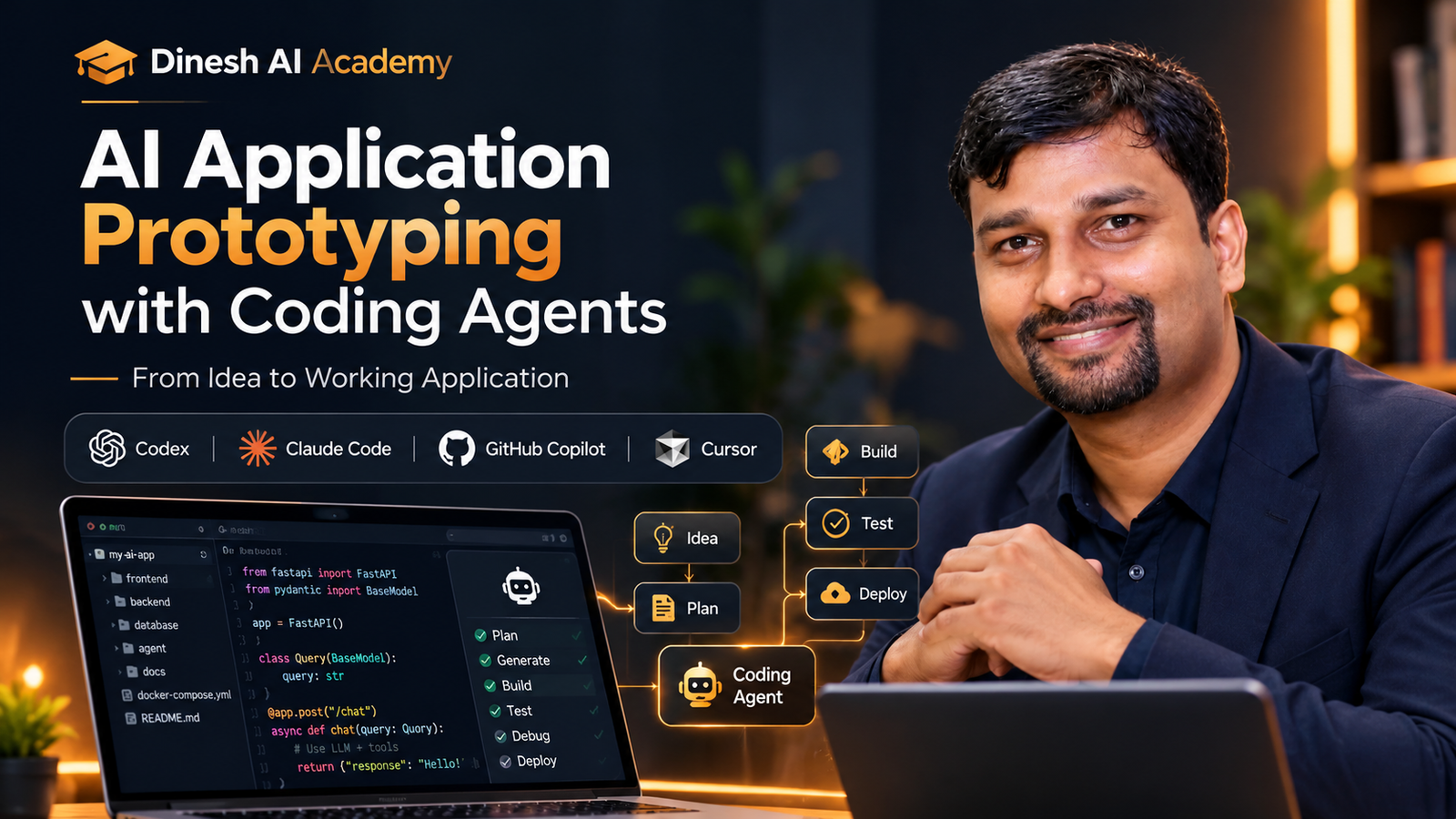
Use modern AI coding agents such as:
OpenAI Codex · Claude Code · GitHub Copilot · Cursor
to accelerate DevOps engineering.
Use AI agents to:
- Generate Docker configurations
- Create CI/CD pipelines
- Generate deployment configurations
- Troubleshoot container failures
- Analyze logs
- Debug deployment problems
- Improve infrastructure configuration
- Create operational scripts
The goal is not to blindly let AI manage infrastructure, but to learn how to use AI as a DevOps engineering assistant while maintaining human control and validation.
🚀 Hands-On Project
Production AI Cloud Deployment
Take a complete AI application and transform it into a production-ready cloud workload.
Stage 1 — Containerize
Angular
   +
FastAPI
   +
AI Services
   +
Database
   +
Supporting Services
↓
Stage 2 — Automate
GitHub
   ↓
Build
   ↓
Test
   ↓
Security Scan
   ↓
Docker Image
↓
Stage 3 — Deploy
Container Registry
        ↓
AWS / Azure
        ↓
Production Application
↓
Stage 4 — Operate
Health Checks
   +
Logs
   +
Metrics
   +
Alerts
   +
Rollback
Students will build, test and deploy a production-oriented AI application workload to AWS/Azure.
🎯 Who This Program Is For
Software Developers, AI Engineers, Full-Stack Engineers, DevOps Engineers, Cloud Engineers, Tech Leads and Architects who want to learn how to containerize, automate and deploy AI applications to the cloud.
It is particularly suitable for developers who can already build an application but want to understand how to take that application from their local machine to a reliable cloud environment.
🌟 What Makes This Different?
This is not simply a:
“Learn Docker” course
and it is not a generic:
“Learn AWS” course.
The focus is specifically on operating AI applications in production.
You will follow the complete engineering journey:
Build
Create the AI application.
↓
Containerize
Package the application consistently.
↓
Automate
Build a reliable CI/CD pipeline.
↓
Deploy
Run it in the cloud.
↓
Monitor
Understand its production behavior.
↓
Operate
Handle failures, scaling and recovery.
🎓 What You’ll Walk Away With
- Practical Docker and containerization skills
- Ability to containerize multi-service AI applications
- Understanding of production Docker practices
- Experience building CI/CD pipelines
- Understanding of AWS/Azure cloud architecture for AI workloads
- Experience with secure configuration and secrets
- Understanding of health and readiness checks
- Practical knowledge of scalability and reliability
- Production monitoring and troubleshooting skills
- Experience deploying an AI application to the cloud
- Ability to use AI coding agents for DevOps tasks
- A complete cloud-deployed AI application project
The Outcome
Take an AI application from your local machine to a containerized, automated, monitored and production-ready cloud workload.